

Why October is Your Critical Window for Holiday POS Inventory Preparation Retail
Peak season doesn't begin when customers start shopping. It begins when your systems buckle under the first wave of transaction volume, and by then it's too late to fix the cracks. The retail stores that struggle most in November and December are the ones that discover their POS glitches, payment processing bottlenecks, and inventory mismatches during the rush rather than before it. Holiday POS inventory preparation retail takes planning that starts now, in October, before traffic surges.
October is your last practical window to audit these three critical systems. Running diagnostic tests on your POS hardware, verifying payment gateway integrations, and auditing inventory counts takes time—and you need breathing room to address what you find. When transaction errors surface in mid-November, you're managing lines out the door, not troubleshooting software bugs or recalibrating barcode scanners.
Stores that delay preparation face compounded problems when volume peaks. A payment terminal that freezes once a week in September will freeze a dozen times on Black Friday. An inventory system showing phantom stock will turn customer orders into apologies.
Downtime doesn't just cost individual sales—it erodes customer trust during the exact weeks that define your annual revenue.October audits reveal these gaps when you still have vendor support availability, time to reorder equipment, and the capacity to test fixes without disrupting daily operations.
POS System Audit & Stability for Holiday Retail Peak Season Operational Readiness
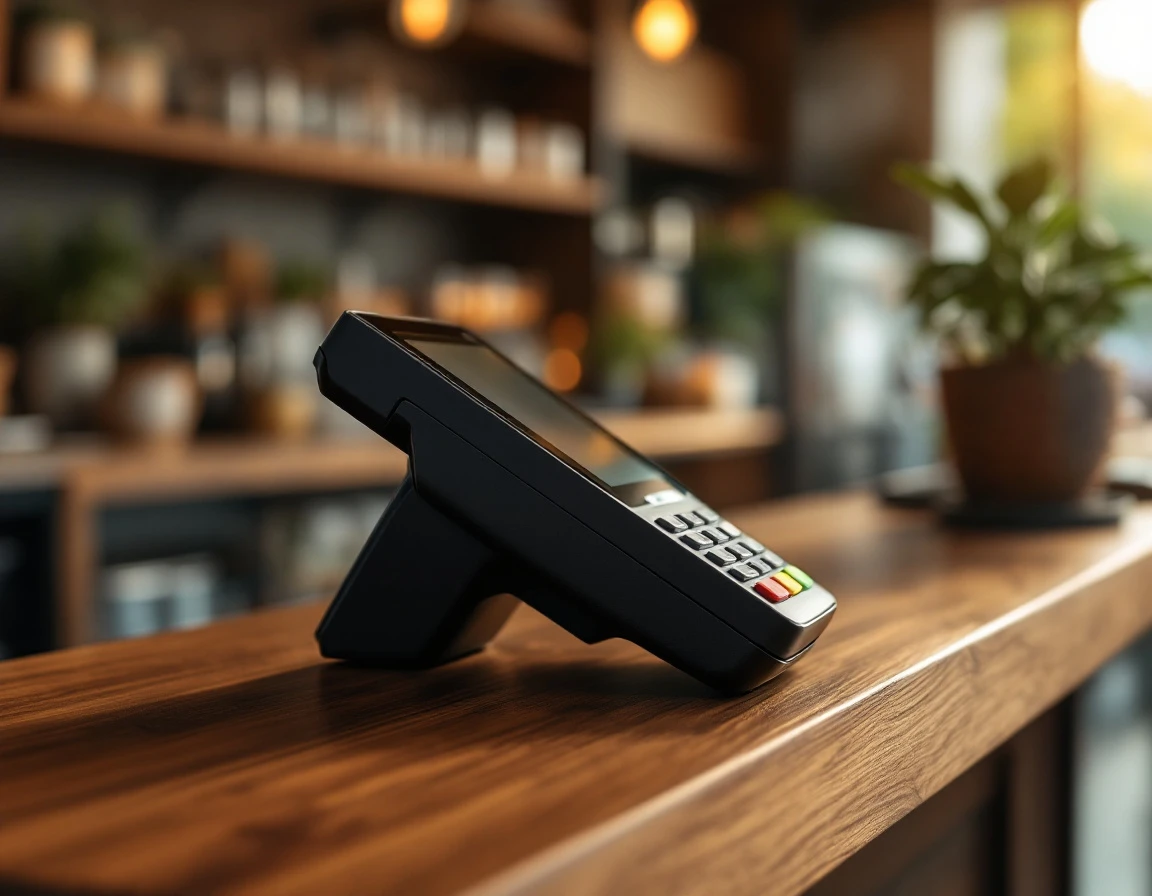
Your POS system handles single-digit transactions per hour on a Tuesday morning in October. By Black Friday, that same hardware processes fifty concurrent transactions while syncing inventory updates, authorizing payments, and generating receipts. This is when neglected hardware shows its age and overlooked integration gaps turn into checkout delays.
Start by testing hardware performance under realistic peak conditions. Run a load test that simulates twenty registers processing simultaneous transactions for fifteen minutes. Watch for register responsiveness lag, receipt printer delays, and barcode scanner read failures. Hardware that performs acceptably at low volume often buckles when transaction queues stack up. If your terminals are more than four years old or running outdated operating systems, tablet ePOS systems offer modern alternatives with faster processors and simplified software that handles peak volume without the degradation legacy hardware shows.
Next, verify every integration point in your transaction chain. A broken link between your POS and inventory system means stock levels don't update in real time, leading to overselling popular items or manual reconciliation after hours. Payment gateway integration failures cause authorization delays that back up checkout lines and frustrate customers when seconds matter. Test the full transaction flow from scan to receipt, confirming that inventory adjustments, payment authorizations, and sales reporting all complete without manual intervention.
Finally, audit your disaster recovery plan for multi-location operations. Power outages during peak retail hours cost thousands in lost sales. Battery backup units should support registers and network equipment for at least ninety minutes. Document your fallback procedures if internet connectivity drops: can you process offline transactions that sync when connection restores, or will you lose sales entirely? Verify that each location has backup receipt rolls, spare payment terminals, and contact information for your POS vendor's emergency support line. These preparations prevent a single hardware failure or network hiccup from shutting down revenue during your most important selling days.

Hardware Readiness
Start by stress-testing your primary register under simulated peak conditions. Run 100 rapid transactions in succession—scanning items, processing payments, printing receipts—and watch for lag, freezing, or screen delays. If your register slows after twenty transactions, it will grind to a halt during Saturday morning rushes in December. Test processing speed at the counter, not just during quiet hours when caching masks performance issues.
Check network connectivity by running bandwidth tests during your busiest hours. Spotty WiFi or a single overloaded router creates transaction delays that compound across every customer in line. Verify that backup registers are fully configured, stocked with receipt paper, and connected to your payment processor. A single point of failure—one register or one network device—can shut down operations across multiple locations if your systems rely on centralized infrastructure without redundancy.
Integration & System Architecture
Integration failures surface when transaction volume spikes. A POS that appears to sync inventory during slow mornings may lag during afternoon rushes, creating oversell scenarios. Payment gateway timeouts that appear once per week become common during peak hours, leaving customers waiting or duplicating charges when staff retry failed transactions.
Test each touchpoint before November. Void a transaction and confirm inventory immediately adjusts in your reporting dashboard. Process a refund and verify the payment processor receives the reversal within seconds, not minutes. Run ten simultaneous transactions and watch whether your sales reporting pipeline corrupts data or drops records under load.
Broken integrations cost more than technical frustration. When inventory counts drift from reality, you promise products you cannot fulfill. When payment confirmations fail silently, you face chargebacks or lost revenue.Test these connections now while you have time to fix them.
Payment Processing Setup for Busy Season POS Payment Processing
Payment infrastructure failures during peak season cost stores more than individual declined transactions—they erode customer trust and create operational chaos when lines are longest. A single gateway provider or one internet connection to the processor introduces bottlenecks that compound under volume pressure, turning manageable checkout queues into abandoned purchases.
Review your payment architecture for single points of failure now, before November traffic tests every link in the chain. If your store relies on one processor across all locations, a service disruption or authentication issue affects every register simultaneously. Configure a secondary gateway with fallback logic built into your POS system so failed transactions automatically route to the backup provider without manual intervention from staff.
Processor Fees and Peak-Volume Surcharges
Transaction fees often include tiered pricing structures that escalate when monthly volume crosses specific thresholds—exactly what happens during the holiday rush. Contact your payment processor in October to review your current rate card and negotiate holiday-volume pricing before December statements arrive with unexpected surcharges. Some processors apply higher interchange rates to seasonal peaks unless advance volume commitments lock in lower tiers.
PCI Compliance and Data Security Audits
A mid-December compliance audit notice freezes operations when you can least afford disruption. Verify your PCI DSS certification status now and check the expiration date on your current attestation. Schedule staff training on data-handling protocols—specifically how to process card-not-present transactions, handle signature requirements, and respond to declined payments without capturing sensitive cardholder data outside secure terminals. POS security best practices guide walks through common audit failures and remediation steps before assessors arrive.
Holiday Inventory Management for Retail Stores Organization & Sync
When your POS shows eight units in stock but the shelf holds three, someone pays the price. Either a customer leaves empty-handed after driving across town, or you oversell and scramble to source replacement inventory at premium cost. Inventory discrepancies multiply during peak season because transaction volume accelerates faster than manual count corrections, turning small errors into operational chaos.
Schedule a full physical count before November traffic begins. Walk every aisle, bin, and backroom shelf with a clipboard or scanner, reconciling actual units against POS records. Tag discrepancies by SKU and investigate root causes—theft, receiving errors, or sync failures between registers. Fix the data now, because once Black Friday begins, you won't have time to audit twelve boxes of missing holiday cards or resolve a phantom case of bubble mailers.
Organize receiving and storage zones to handle the supply surges that arrive in October and early November. Assign dedicated bin locations for high-velocity SKUs—shipping tape, priority mail boxes, greeting cards—so staff can restock without hunting. Label shelves with SKU codes that match your POS system, eliminating the guesswork that slows down peak-hour operations. Fast, accurate receiving prevents stock from languishing in the back while registers ring up "out of stock."
For multi-location operators, centralized inventory visibility prevents one store from turning away customers while another sits on excess stock. Validate that your POS syncs inventory changes in real time across all registers and locations. Test by processing a sale at Store A and confirming the count updates immediately at Store B. Broken sync means one location oversells, another misses sales, and you spend December reconciling angry customer calls instead of serving holiday traffic. An hour organizing bins and validating sync this month saves days of crisis management when every transaction counts.

October Action Timeline & Next Steps for Preparing Your Retail POS System Peak Season
Early October (Weeks 1-2): Audit and identify gaps. Run load tests on registers, test all payment processing paths, and conduct a full physical inventory count. Document every bottleneck, hardware failure, or sync error. Priority ranking starts here: critical fixes that prevent transactions come before secondary optimizations like receipt customization or advanced reporting.
Mid-October (Weeks 3-4): Execute fixes. Replace failing hardware, repair broken integrations, and update payment gateway configurations. Use a simple decision tree: if hardware fails load tests, upgrade or add redundancy immediately. If inventory sync breaks during test transactions, contact your integrator or switch to a system with real-time synchronization. If your payment gateway becomes a bottleneck under simulated peak load, negotiate a backup processor before November traffic arrives.
Late October (Week 4-5): Test, train, and rehearse. Run mock peak-season scenarios with all registers active. Train staff on backup procedures, offline transaction protocols, and escalation paths when systems fail. Validate that every fix holds under sustained load.
Managers who complete this timeline enter November with systems that handle volume, staff who know backup protocols, and confidence that payment processing won't collapse during the year's highest-revenue weeks. Request a demo of ParcelPuffin POS to see how modern systems eliminate integration gaps and hardware bottlenecks before peak season begins.