

Why Google Business Profile Optimization for Pack and Ship Matters Now
Your Google Business Profile is where local customers find you—but only if it's complete and optimized. Pack-and-ship stores that master GBP visibility see measurable foot traffic gains during peak season. ParcelPuffin helps you manage both your profile and your operations from one platform, so you're not juggling multiple tools when September hits and search volume spikes.
Local searches for shipping and packing services drive customer acquisition for logistics providers.
When a customer searches "pack and ship near me" on a Tuesday afternoon, they're usually within five miles of your store—and ready to visit today. Google shows them the profiles that are complete, verified, and actively managed. Incomplete listings drop out of the local pack, even if you're closer.
Google's algorithm favors complete, verified Business Profiles when displaying local pack-and-ship results. Stores with incomplete profiles—missing hours, no phone number, sparse service descriptions—drop out of the local pack, even if they're closer to the searcher. Fill every field, verify your listing, and you position your store to appear when neighbors search for shipping help.
September peak season (back-to-school, early)
September brings a surge in back-to-school shipments and early holiday preparation, pushing local search volume for pack-and-ship services higher than most other months. Students ship dorm essentials, parents mail care packages, and businesses begin preparing for Q4 fulfillment. A complete Google Business Profile captures this seasonal traffic when customers search for nearby shipping options.
Essential Profile Elements Setup
Your business name is the first field Google checks. It must match your storefront sign, your USPS or UPS authorization documents, and your website exactly. Any mismatch delays verification and weakens your local search ranking.
Category selection drives how you appear in search results. If you're an authorized USPS agent, select "Post Office" as your primary category. UPS store owners should choose "Shipping and Mailing Service." If you also offer mailbox rentals or printing, add those as secondary categories—"Mailbox Rental Service" and "Print Shop" will help you appear when customers search for t...hose specific services.
Your About section should answer the question a customer asks before they visit: What do you do, and why should I come here instead of somewhere else? Use plain language: "We ship packages via USPS, UPS, and FedEx, offer mailbox rentals, notary services, and same-day printing for documents and marketing materials." Avoid keyword stuffing—Google penalizes profiles that repeat "shipping" or "printing" unnaturally.
Before: Business name listed as "Mailbox Plus LLC," no hours posted, category set to "Business Center," About section blank.
After: Business name matches storefront ("Mailbox Plus"), hours verified and complete, primary category "Mailbox Rental Service," secondary categories "Shipping Service" and "Print Shop," About section describes all services in one clear sentence.
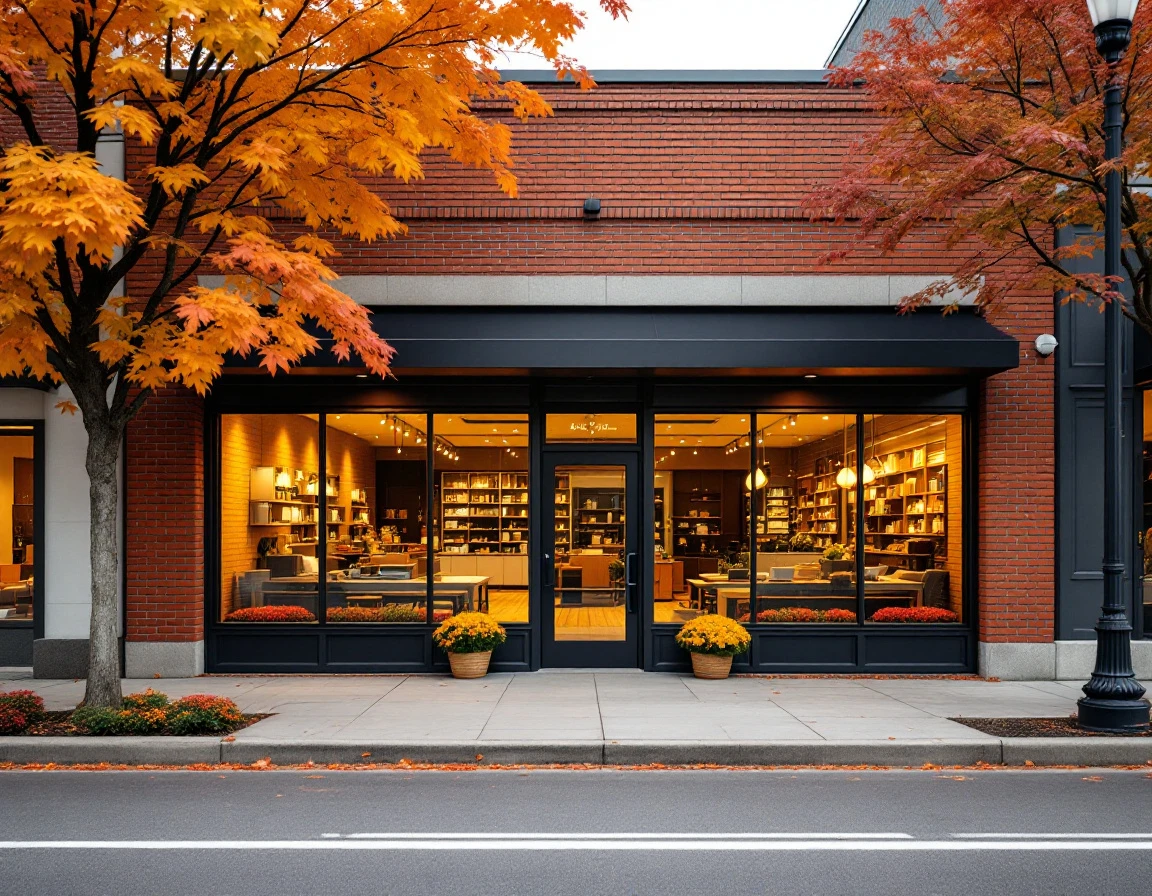
Photo Strategy for Pack-and-Ship Stores
The photos you upload to your Google Business Profile do more than decorate your listing—they drive clicks and foot traffic. Google displays your images in local search results and Maps, and customers scan them to confirm you offer the services they need before they walk in. Smart photo selection is part of effective local Google listing strategy for pack and ship stores.
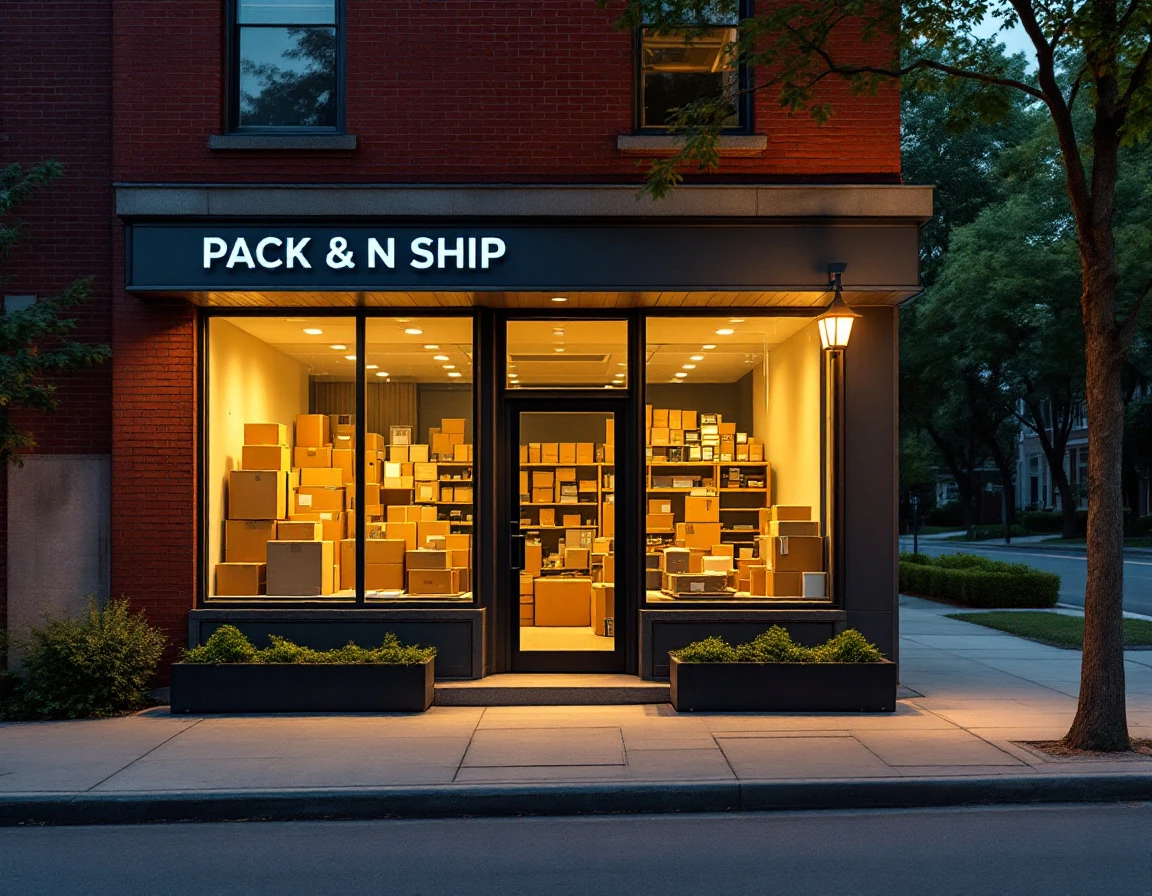
Four photos matter most. Your front entrance helps customers recognize your storefront. Your counter and service area shows where transactions happen. Your mailbox wall proves you offer rental services. Your packing station demonstrates packaging capabilities. One store replaced dim, blurry interior shots with bright, action-oriented images of staff helping customers wrap fragile items, clearly labeled mailbox units, and shelves stocked with bubble mailers and boxes. Within weeks, profile views increased and more visitors clicked through for directions.
Clear, well-lit photos of services—wrapping a package, printing a shipping label, handing over keys to a new mailbox—drive customer action more than generic store shots. Avoid cluttered backgrounds and dark corners. Shoot during daylight hours with windows open, and frame photos from customer-facing angles that show what someone sees when they walk up to your counter.
Seasonal photos keep your profile fresh. Upload back-to-school shipping setups in August, holiday packaging displays in November, and tax-season document services in March. Posting new images monthly during peak season (September through December) signals an active, responsive business and keeps your profile ranking higher in local search results.
Building a Review System That Works
Google weighs customer reviews heavily when ranking local businesses, and pack-and-ship customers read them before deciding where to go. Google Business Profile photos, reviews, and posts all shape how your store ranks and appears to searchers. A store with six outdated reviews will lose visibility to a competitor with thirty recent ones, even if both profiles are otherwise complete. The difference isn't luck—it's process.
Build a repeatable system that asks for reviews at multiple touchpoints. Print a QR code on every receipt that links directly to your Google review page. Train your team to ask verbally during checkout, especially during peak season when volume is high and customers are more likely to follow through. Send a follow-up email or text message one day after service, thanking the customer and including a direct review link.
One Maryland store implemented this system across all three channels. Before, they had six reviews from two years ago and ranked on page two of local search results. After three months of consistent requests, they accumulated thirty-plus recent reviews and moved to the top three positions for "pack and ship near me" searches.
Your response strategy matters as much as volume. Answer every review within 48 hours. Thank positive reviewers by name and mention the specific service they used. For negative reviews, apologize sincerely, explain how you'll fix the issue, and invite them back. This public engagement shows prospective customers you're actively managing your business and value their experience.
Post Frequency and Content Cadence
Google rewards activity. When you publish posts to your Business Profile, the algorithm sees an engaged owner who keeps information current. During peak season—September through December—aim for two to four posts per month. That regular cadence signals active business and keeps your profile fresh in local search results. During slower months, a single monthly post maintains your presence without overwhelming your schedule.
The posts that drive the most customer action are simple, service-focused updates. Four templates work especially well for pack-and-ship stores:
- "Holiday Hours Extended—Now Open Until 8 PM Through December" captures customers planning evening drop-offs.
- "New Premium Packing Materials in Stock" highlights inventory additions that solve fragile-item shipping needs.
- "5-Day Ground Shipping to the Midwest—Rates Starting at $9" calls out regional service speed and pricing.
- "Mailbox Rental Spots Open—Limited Availability" taps into demand for secure package receiving.
Each post should include a clear call to action: your phone number, a link to your website, or a "Get Directions" button. Posts with website links drive online traffic; posts with phone numbers and direction CTAs increase foot traffic. September is the start of peak season, so schedule posts around back-to-school shipping, early holiday prep, and extended hours during high-search-volume weeks.
A simple quarterly content calendar keeps you consistent: September posts focus on back-to-school and mailbox availability. October highlights packing materials and Halloween shipping deadlines. November and December emphasize holiday hours, last-minute shipping options, and carrier cutoff dates. This rhythm keeps your profile active and gives customers timely reasons to visit.
Measuring Impact with Insights
Google Business Profile includes a built-in analytics dashboard called Insights that shows exactly how customers find and interact with your listing. Three metrics matter most: how many times your profile appeared in local searches, how many people clicked through to your website or requested directions, and how many called or messaged your store. These numbers tell you whether your optimization work is connecting with nearby customers searching for shipping and packing services.
During September peak season, you'll see search impressions and interactions climb naturally as back-to-school and early holiday demand rises. Your optimization efforts should accelerate that growth. If impressions rise but direction requests don't, your photos or business description may need refinement. If calls increase but website clicks don't, consider updating your services list or posted content.
Set a simple monthly routine: take a screenshot of your Insights dashboard, compare the numbers month-over-month, and adjust your profile accordingly. One Maryland pack-and-ship store implemented complete profile data, professional photos, consistent review generation, and biweekly posts—and tracked a 40% jump in direction requests within 30 days. That lift translated directly to new foot traffic and mailbox rentals. When you connect GBP metrics to actual store visits and sales data. You turn local search theory into measurable results. ParcelPuffin's operations platform helps you track those connections in real time, so you know which profile changes drive the most business.