

Why Mid-Year POS Evaluation Matters
Pack-and-ship stores operate under pressure that most retail businesses never face. You're not just ringing up products — you're managing live carrier rate comparisons, printing shipping labels integrated with tracking systems, calculating dimensional weight on the fly, and handling customs forms for international shipments. A quality POS system for pack and ship stores must handle these operations natively, but generic retail POS systems treat shipping as an afterthought, forcing you into manual workarounds that eat staff time and create pricing errors.
Mid-year budget reviews offer a natural checkpoint to ask whether your current POS investment actually supports growth or quietly drains resources. When your system lacks label integration, staff re-key customer addresses into carrier websites. When dimensional weight automation is missing. You undercharge on oversized packages and absorb the difference. These aren't minor inconveniences — they're measurable revenue leaks that compound daily.
The operational friction shows up in visible ways: customers waiting while you toggle between screens, pricing discrepancies that require manager overrides, and end-of-day reconciliation that takes twice as long as it should. Evaluating your POS mid-year means identifying these gaps before they cost another six months of lost efficiency and missed margin.
Five Non-Negotiable Shipping POS Features
The right POS system for pack and ship stores depends on five core capabilities that separate specialized platforms from generic retail software. Each feature addresses a specific operational gap that creates bottlenecks at the counter, slows down your staff, and costs you money through pricing errors or redundant data entry.
Integrated multi-carrier label generation
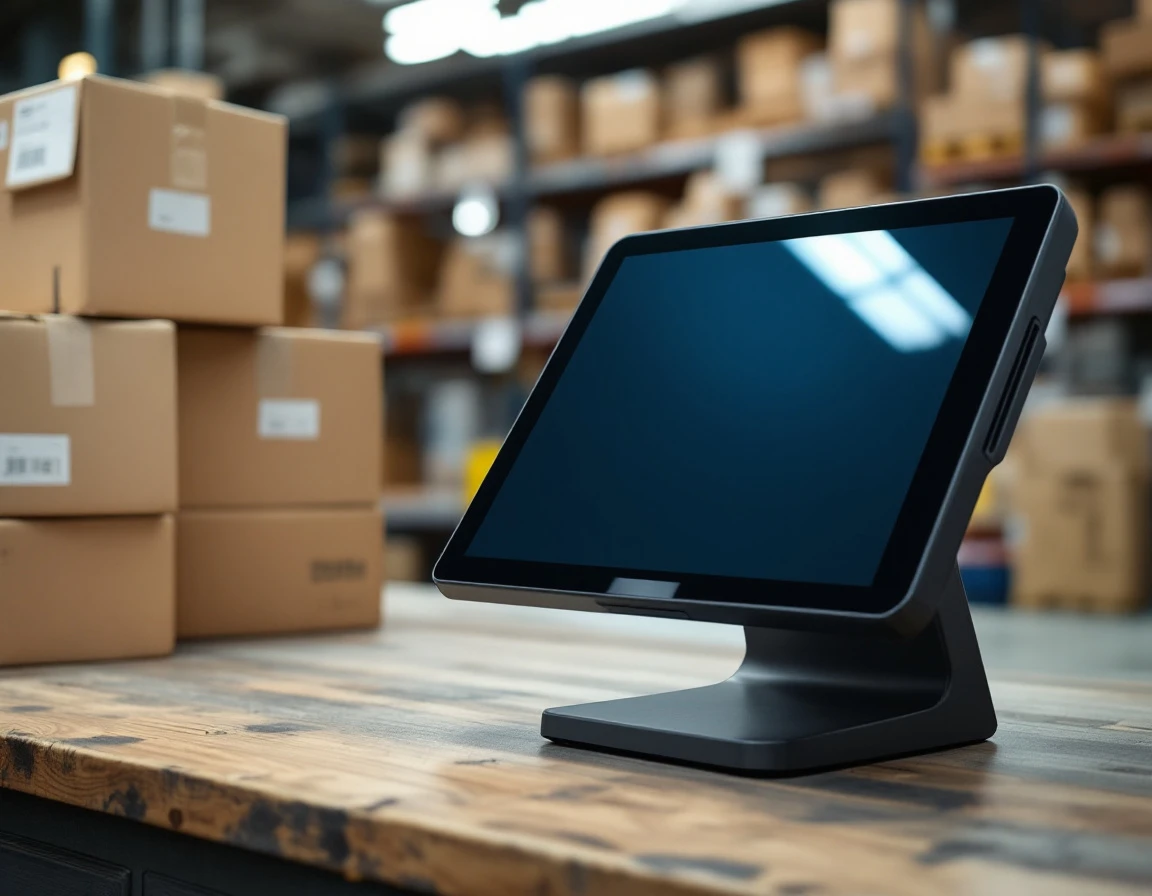
A specialized pack-and-ship POS system connects directly to USPS, UPS, FedEx, and regional carriers through live API integrations, allowing you to generate labels for any carrier without switching between multiple websites or software platforms. Rate shopping happens at the counter in real time—the system pulls current rates from all connected carriers for the package dimensions and destination you enter, displays them side by side, and lets your customer choose the best balance of speed and cost. This eliminates the manual process of checking each carrier's website separately while a customer waits.
Dimensional weight calculations and residential surcharges apply automatically based on each carrier's current rules. Generic retail POS systems treat shipping as an afterthought, forcing you to calculate dim weight with a separate tool, look up surcharges manually, and risk undercharging customers when carrier billing catches errors later. The system also tracks your prepaid carrier account balances and alerts you when funds run low, preventing the awkward scenario where you can't print a label mid-transaction because an account needs reloading.
Barcode scanning and package tracking integration
When a customer brings a return or asks about shipment status, speed matters. Pack-and-ship POS systems integrate barcode scanning directly into the transaction flow, allowing staff to capture tracking numbers, scan incoming packages, and update shipment records without switching between applications. This integration connects barcode data to carrier tracking APIs, so customers receive accurate status updates and stores maintain a searchable history of every package handled.
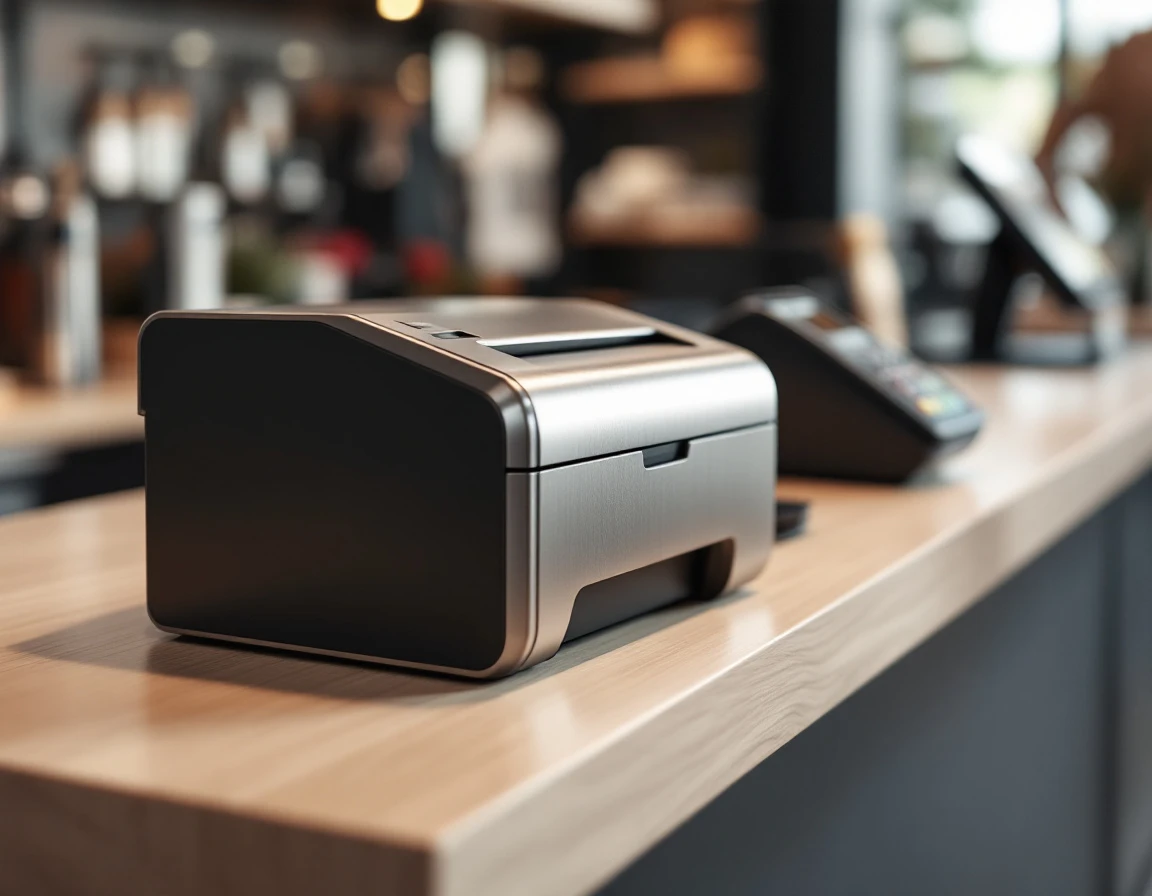
Receipt printing and manifest generation happen within the same system. At end-of-day, specialized POS platforms generate carrier-ready manifests that list all outbound shipments, automatically formatted to each carrier's specifications. Staff print customer receipts that include tracking numbers, service details, and cost breakdowns—all without opening third-party software or manually entering data into carrier portals. This eliminates the operational friction that occurs when generic retail systems require separate tools for printing, scanning, and manifest creation.
Generic Retail POS vs Specialized Shipping POS
Generic retail systems handle inventory and checkout transactions with ease, but they stop short at the shipping counter. When a customer walks in with a package, the typical retail POS offers no connection to UPS, USPS, or FedEx APIs. Staff must open separate shipping software, re-enter customer details, manually look up rates, and then return to the POS to complete the transaction. This workflow splits every shipping sale across two or three applications, doubling data entry time and creating opportunities for address errors or pricing mismatches.
A specialized shipping POS platform consolidates the entire workflow. When staff scan a package, the system queries multiple carriers in real time, displays comparative rates, and prints labels directly from the transaction screen. Customer data flows once through the system. Payment, label generation, and receipt printing happen in a single continuous process. The labor savings add up quickly when your counter handles dozens of shipments daily.
The compliance gap matters even more than the workflow gap. Generic retail POS versus specialized shipping POS solutions differ fundamentally in how they handle rules and regulations. Generic POS systems offer no path to customs documentation. No awareness of dimensional weight rules, and no tracking of carrier manifests. Staff must remember which forms apply to international shipments, whether a package qualifies for flat-rate pricing, and when to close out the day's carrier pickups. These manual checks invite errors that trigger delivery delays or compliance issues. Specialized platforms encode these rules directly into the transaction flow, generating customs forms automatically and flagging packages that require additional documentation before the label prints.
Attempting to retrofit a generic system with third-party shipping modules rarely closes these gaps. The integrations remain partial, the data entry stays duplicated, and the compliance checks remain manual. The operational cost shows up in longer transaction times, reprinted labels, and customer complaints about pricing discrepancies.
How Specialized Systems Reduce Operational Costs
Switching to a specialized pack-and-ship POS delivers measurable time savings at the counter. Automated label generation eliminates the manual steps of opening a separate shipping platform, re-entering customer data, and printing labels through disconnected software. Stores report processing 40 packages per hour with integrated systems compared to 25 per hour when staff toggle between retail POS and standalone shipping tools.
Real-time carrier rate comparison prevents two common profit leaks: overbilling customers with outdated rates and leaving margin on the table by defaulting to the most expensive carrier. When your POS calculates USPS, UPS, and FedEx rates simultaneously at checkout, staff select the best option in seconds rather than guessing or manually checking three separate websites.
Integrated mailbox rental and shipping services in one platform reduce cognitive load during busy counter periods. Staff no longer switch between systems to check mailbox payments, process a shipping label, and ring up retail supplies. Compliance automation for manifests, customs forms, and tracking data reduces error-related chargebacks and carrier billing disputes.
Calculate your current workaround costs: total the hours your team spends on manual label printing, pricing lookups, and error correction each month. Compare that labor cost plus your existing system subscriptions against a specialized POS monthly fee. Most pack-and-ship stores achieve payback within 12 months through eliminated redundancy and faster transaction completion.
Evaluation Checklist and Next Steps
Use the five non-negotiable features as a scorecard against your current POS system and any candidates you're evaluating. Ask vendors directly the following questions:
- Does your platform integrate native carrier APIs for UPS, USPS, and FedEx?
- Can it calculate dimensional weight automatically?
- Does it handle mailbox rentals, notary tracking, and print job pricing without workarounds?
Reference a POS evaluation checklist pack and ship vendors should be able to answer with demonstrations, not promises.
Calculate the true cost of ownership over twelve months. Include software licensing, staff training hours, integration fees for third-party tools, and the time your team spends switching between systems. Many stores discover that apparent savings from budget POS platforms disappear when they add the subscriptions and workarounds needed to run shipping operations.
Request demos from specialized vendors and start with a pilot period to validate workflow improvements before committing to a full rollout. Mid-year timing gives you months to implement and train staff before back-to-school and holiday shipping peaks arrive. Schedule a demo with ParcelPuffin to see how a purpose-built shipping POS eliminates the gaps that slow your counter down.