
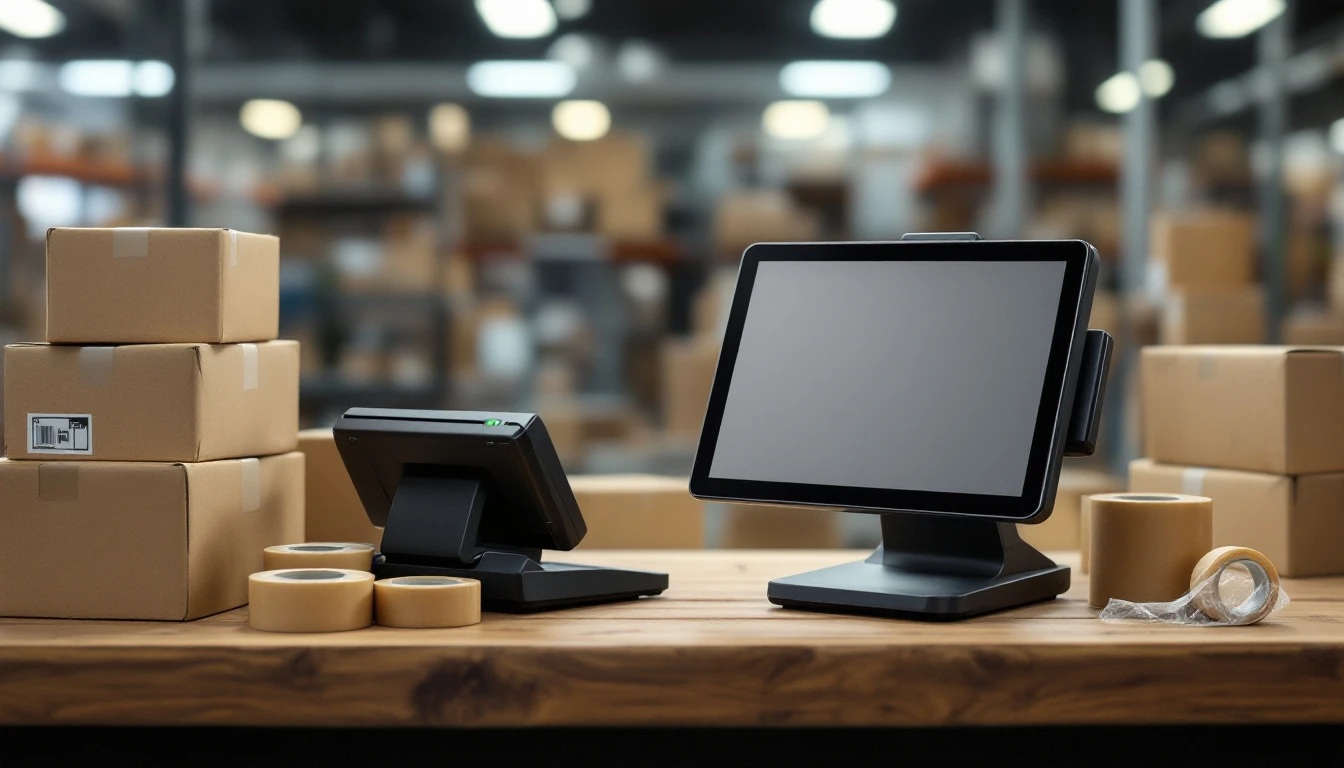
Why Mid-Year Evaluation Matters
July sits at the crossroads between summer lull and holiday chaos. For pack-and-ship operators, this window offers the clearest view of whether your current POS system can handle what's coming. The choice between a pack and ship POS vs retail POS can make or break your operational efficiency before October's surge of gift shipments and commercial orders.
You have time to identify gaps, test alternatives, and implement changes without scrambling under pressure.
Most pack-and-ship stores inherit generic retail POS platforms built for simple transactions: scan a barcode, collect payment, print a receipt. But your counter work looks nothing like a boutique or café. You need direct carrier connectivity to print shipping labels, dimensional weight calculations that adjust pricing based on box size, and compliance workflows for customs forms and hazmat restrictions. A system designed for selling T-shirts doesn't understand these requirements.
Waiting until September means discovering your system can't handle FedEx API updates or USPS rate changes when your lobby is packed with customers. Early assessment gives you breathing room to address integration issues, train staff on new workflows, and confirm that label printing works reliably across all carriers. By the time Q4 arrives, your team should be running a proven system—not learning a new one under deadline pressure.
Shipping Label Integration
The difference between a specialized pack-and-ship POS and a generic retail system becomes immediately clear when a customer steps up to ship a package. A specialized system connects directly to USPS, UPS, and FedEx APIs from within the same interface where you're already processing the transaction. Your staff selects the carrier, applies dimensional weight pricing, generates a compliant label, and prints it—all without leaving the screen where they entered the customer's payment information and box size.
Generic retail POS systems don't offer native carrier integration. Instead, staff must toggle between the POS (to record the sale) and separate label software (to create the shipping label). This creates data silos: the transaction details live in one system, the shipping details in another. Every handoff introduces risk—manual entry errors, duplicate data entry, and version-control problems when a customer changes their mind about carrier selection or box size mid-transaction.
The operational impact is measurable in transaction time and compliance accuracy. A retail POS forces staff to complete the sale, then pivot to a browser or standalone app to generate the label, then manually reconcile the two records at day's end. A pack-and-ship POS keeps the entire workflow—customer payment, box dimensions, real-time rate shopping, carrier selection, and compliant label generation—within one screen. That single-workflow design reduces the time per transaction and eliminates the compliance errors that occur when staff rush between systems during peak hours.

Carrier Connectivity & Rate Engine
Specialized pack-and-ship POS systems pull live rates from USPS, UPS, and FedEx during checkout, letting staff instantly compare options and present the most cost-effective choice. This multi-carrier rate comparison happens at the point of sale, eliminating the need to toggle between standalone shipping software or consult outdated lookup tables.
Generic retail systems have no carrier connectivity, forcing stores to rely on manual processes that introduce costly errors. A single misclassified dimensional weight—charging for an envelope when the package qualifies as a parcel—can cost several dollars per shipment. Repeated daily, that adds up to hundreds of dollars in lost margin each month.
Automatic dimensional weight calculations, zone-based pricing, and fuel surcharge updates protect margins when carriers adjust their schedules.
Mid-year audits reveal whether your current system integrates these updates or leaves money on the table with every label printed.
Compliance & Regulatory Tracking
Pack-and-ship stores operate under strict mailbox service regulations that generic retail systems know nothing about. CMRA registration requirements. Restricted item bans, and international customs rules create legal exposure if your POS doesn't enforce these guardrails automatically. A specialized system flags hazardous materials at scan time, blocks transactions when a mailbox customer hasn't completed CMRA verification, and auto-generates customs forms for international shipments based on product codes and destination.
Generic retail POS platforms simply ring up sales. They have no awareness of whether a customer is CMRA-compliant or whether lithium batteries can ship by air. Staff must rely on memory, printed checklists, or external reference tools to verify every transaction. That manual verification process creates bottlenecks during rush periods and increases the risk of shipping violations.
Mid-year is the right moment to test whether your current system enforces these rules or if your team is carrying the compliance burden alone.
Box Sizing & Optimization
Generic retail POS systems treat every sale the same way: scan, total, payment, done. They have no awareness of box dimensions, item volume, or shipping physics. That works fine for a clothing boutique, but it creates expensive problems in pack-and-ship stores where dimensional weight determines carrier fees.
Specialized pack-and-ship POS systems analyze item dimensions and weight at checkout, then recommend the most cost-effective box size from your inventory. This automated box-to-item matching prevents oversize selections that trigger dimensional weight penalties—charges carriers apply when a package's volume exceeds its actual weight. When your staff selects the wrong box just three or four times daily, the compounding impact becomes visible within a week: customers pay inflated shipping costs, leave dissatisfied, and your profit margin shrinks because you absorb part of the error or lose repeat business.
Mid-year is the right time to run a simple test: open a transaction in your current POS and enter sample item dimensions. Does the system suggest a box? If not, you're relying on staff judgment and customer guesswork—a combination that costs thousands per quarter in avoidable carrier fees and wasted packing materials.

Transaction Speed & Workflow
Generic retail POS systems are built for cart-and-checkout: scan items, total the order, process payment, and hand the customer a receipt. Pack-and-ship transactions work differently. A single customer might arrive with five boxes destined for different addresses, each requiring weight verification, rate comparison, insurance options, and coordinated label printing. Generic retail platforms force staff to treat each package as a separate transaction, creating bottlenecks at the counter and frustration for customers waiting in line.
Specialized pack-and-ship POS consolidates the entire workflow into one screen. Staff measure and weigh packages, compare carrier rates, collect payment, and print labels without toggling between separate applications or re-entering customer data. Quick-entry buttons for common box sizes, bulk operations for multi-shipment batches, and batched label printing cut the time between customer arrival and completed shipment.
Run a simple mid-year test during a two-hour peak window: How many customers does your current system process per hour? Is staff visibly frustrated by repeated clicks or manual steps? Are customers leaving the line because wait times stretch too long? These are signals your POS workflow isn't optimized for pack-and-ship volume. A touchscreen interface designed for packing workstations—with minimal clicks between payment and label printing—keeps lines moving and staff focused on service rather than system navigation.
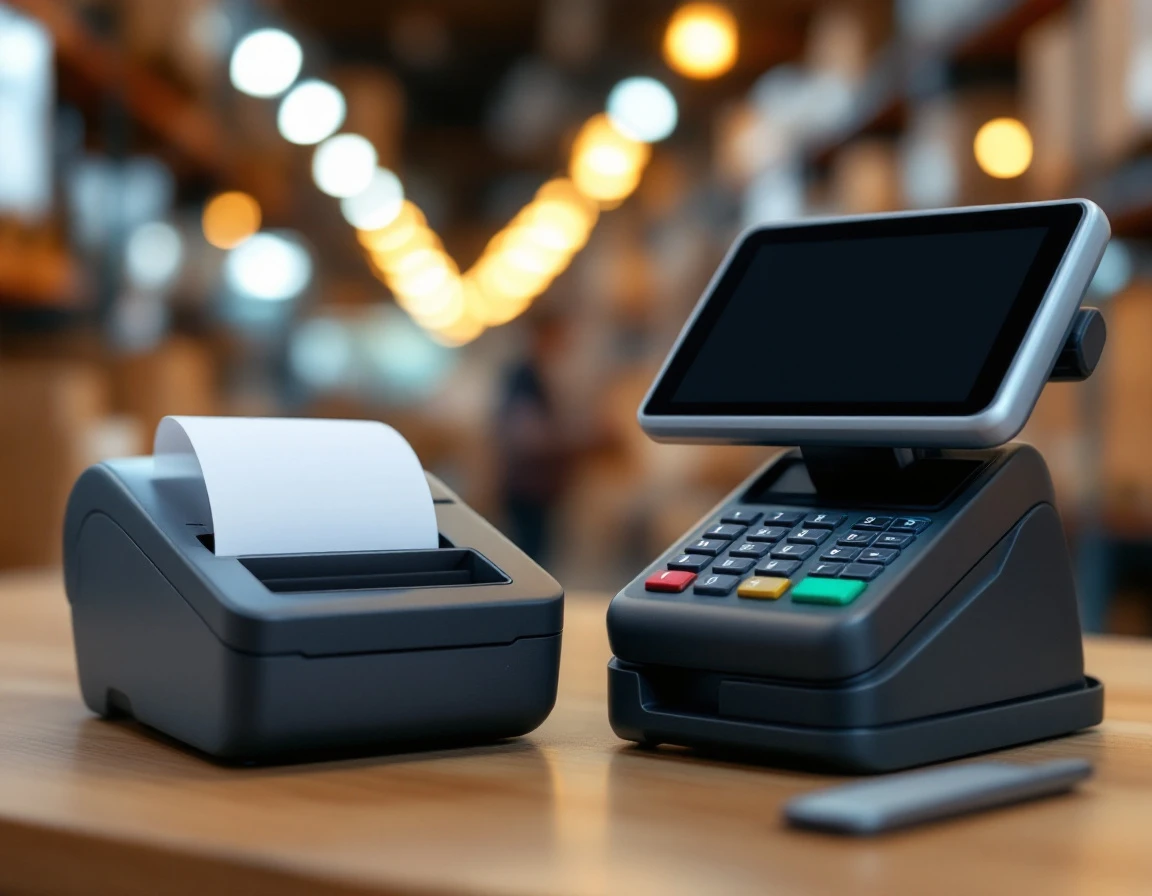
Mid-Year Audit Checklist: Pack and Ship POS vs Retail POS
July offers the ideal window to evaluate whether your current POS can handle the upcoming busy season. A systematic three-step audit reveals gaps before they turn into bottlenecks, giving you time to fix problems or migrate to a new system ahead of September peak volume.
Step 1: Map features against pack-and-ship requirements. Open your POS and check whether it supports:
- real-time shipping label integration
- multi-carrier rate comparison at checkout
- box-sizing recommendations based on package dimensions
- compliance tracking for restricted items and CMRA rules
- consolidated workflows that handle measuring, weighing, rating, payment, and label printing on a single screen
Step 2: Run a one-week compliance test. During a typical business week, log every compliance deviation—restricted items that bypass screening, CMRA violations where staff skip required forms, dimensional weight errors from incorrect box selection. This test quantifies your risk exposure and reveals how much manual oversight your team performs to compensate for missing system controls.
Step 3: Conduct a time-motion study. Measure transaction time during a two-hour peak window. Pack-and-ship customers should process in five to seven minutes on average, from package acceptance through label printing and payment. If your times run longer, compare against this benchmark to identify where delays occur.
If your audit reveals serious gaps, you face a choice: invest in specialized add-ons that cost between five hundred and two thousand dollars monthly, or replace your system with a pack-and-ship-native POS where efficiency and compliance gains justify the migration cost. Make this decision in July to allow enough time for training and data migration before the holiday rush begins.