

Why October Readiness Prevents Holiday Revenue Loss
The weeks between Thanksgiving and New Year's Eve represent the highest-revenue period for most retail businesses. Your payment terminals, inventory counts, and POS systems need to work flawlessly during this window. A customer who can't complete a purchase at checkout rarely waits—they leave, and that sale is gone.
Three systems protect your holiday revenue: your point-of-sale platform. Which processes every transaction and manages customer flow; your payment processing infrastructure. Which authorizes cards and handles high transaction volumes; and your inventory management system. Which prevents stockouts and overselling. Problems in any of these areas don't just inconvenience shoppers—they erase sales you can't recover after the season ends.
Retailers who audit these systems in October identify vulnerabilities before peak traffic arrives. Testing payment processing under load, reconciling inventory discrepancies, and confirming POS hardware functionality takes hours in a quiet store but becomes nearly impossible once November crowds appear.
Emergency IT support during the holiday rush costs more and delivers less than proactive October maintenance. System testing now prevents revenue loss later. When every transaction counts and customers have dozens of alternative shopping options.
POS System Audit & Performance
Your POS system becomes the bottleneck the moment transaction processing slows down during a Saturday rush. Before November arrives, run a systematic audit that simulates high-volume conditions and exposes weaknesses in speed, capacity, and hardware reliability. The goal: confirm that your system can handle peak traffic without delays that frustrate customers or force staff into workarounds.
Start with transaction throughput testing. Process a series of test transactions on each terminal and measure the time from item scan to receipt print. Your target is under three seconds per transaction. If any terminal exceeds this threshold, investigate whether the delay stems from network latency, outdated terminal firmware, or insufficient processing power. Next, test multi-terminal simultaneous use by running transactions on all registers at once while another staff member generates end-of-day reports. This reveals whether your network bandwidth and server capacity can support real-world concurrent activity.
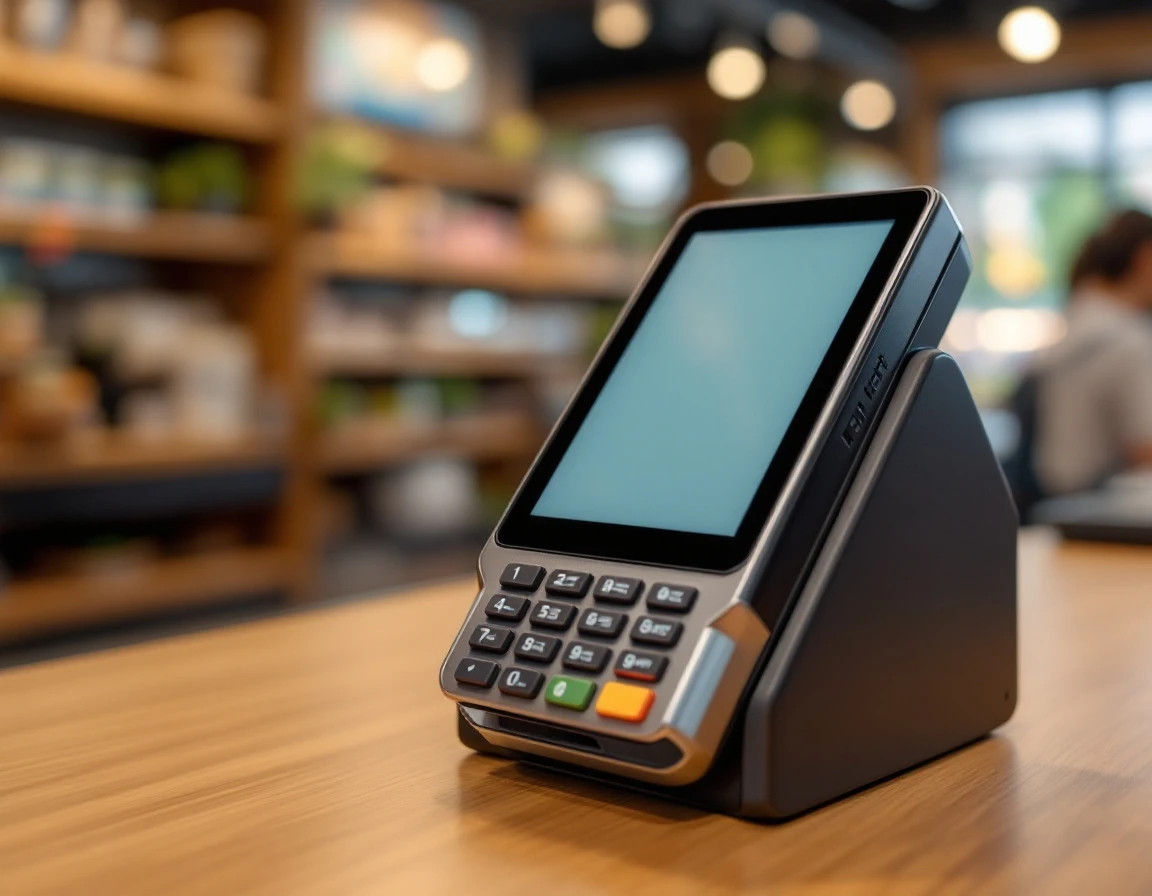
Backup power stability deserves dedicated attention. Simulate a power interruption by unplugging terminals while processing transactions. Verify that battery backups keep systems online long enough to complete in-progress sales and that terminals reconnect cleanly when power returns. Document how long each backup holds and replace any units that fail to maintain power for at least fifteen minutes.
Hardware and Access Verification Checklist
- Walk through each terminal and inspect physical condition. Look for cracked screens, unresponsive touchpads, and loose cable connections.
- Test receipt printers with multiple print jobs to confirm they feed paper cleanly and don't jam under repeated use.
- Check that all staff members can log in with their assigned permissions and that managers can access reports, void transactions, and issue refunds without calling for IT support.
- Replace aging hardware now rather than during your busiest week. Terminals older than five years, printers that jam frequently, and network switches running outdated firmware all represent points of failure when transaction volume doubles.
- Schedule replacements in October to give yourself time to configure new equipment, train staff, and resolve any integration issues before customers start lining up.

Payment Processing Readiness
A payment gateway that handles twenty transactions per hour in September can buckle under the load when you're processing two hundred transactions per hour the week before Christmas. Testing your payment processor under simulated peak conditions in October reveals bottlenecks before they turn into declined cards and abandoned carts during your busiest sales days.
Start by working with your payment gateway provider to run load tests that simulate high transaction volumes. Monitor response times and watch for any transactions that take longer than three seconds to authorize. Slow payment processing adds friction at the exact moment customers are ready to complete their purchases, and during holiday rushes, every delayed transaction increases the risk that a customer will walk away or that your checkout line will back up.
Backup Payment Processor Configuration
Your primary payment gateway isn't immune to outages or service disruptions. October is the time to verify that your secondary payment processor is properly configured and that failover protocols actually work. Run test transactions through your backup processor to confirm that cards authorize correctly, receipts print as expected, and transaction data syncs to your accounting system. A backup processor that's never been tested in production is no backup at all.
Compliance and Fraud Protection Audit
Review your PCI compliance status and confirm that all security certificates and tokenization protocols are current. Check that address verification (AVS) is enabled and configured to match your risk tolerance—overly aggressive AVS settings can decline legitimate transactions from customers whose billing addresses don't perfectly match their bank records. Audit your fraud detection filters to balance protection against false declines, which spike during holiday shopping when customers buy gifts shipped to different addresses.
Payment failures don't just cost individual sales. When customers experience declined cards or error messages at checkout, they often abandon not just that transaction but their relationship with your store.
Inventory System Alignment & Stock Audit
Your POS system might show 12 units in stock, but if only 8 sit on the shelf, you'll disappoint customers during your busiest weeks. October is when you reconcile physical reality with digital records. Start with a full cycle count: physically verify inventory for every SKU and compare it against what your system reports. Focus first on top-selling holiday items and products with thin margins where stockouts hurt most.
When you find discrepancies, investigate the root cause rather than just adjusting the numbers. Are items being stolen? Is your receiving process failing to update counts? Do returns get processed incorrectly? Fixing the underlying problem prevents the same variance from reappearing in November. Once your counts are accurate, verify that inventory visibility works across every sales channel. If you sell in-store, online, and over the phone, all three touchpoints should pull from the same real-time inventory data to prevent overselling.
Test your low-stock alerts and reorder triggers now, before demand spikes. Set thresholds based on actual sales velocity for peak-demand SKUs, not arbitrary round numbers. If a product sells 15 units per week in December, a reorder point of 10 units leaves you exposed. Contact suppliers to confirm current lead times for December restocks, because the shipping delays that slow customer orders also slow your wholesale replenishment.
Review seasonal SKUs and clearance inventory separately. Products that won't sell during the holiday rush consume shelf space and tie up capital. Mark down slow-moving items in October to free resources for fast-moving holiday stock. An accurate, channel-synced inventory system transforms your November operations from reactive scrambling into confident fulfillment. When your system knows what you have and automatically signals what you need. Stockouts become rare exceptions rather than daily emergencies.

October Timeline & Next Steps
The audits and system checks outlined above should be completed before November traffic begins. Use the first three weeks of October for testing and equipment upgrades, reserving the final week for staff training on any new procedures or backup protocols. This timeline gives you room to address problems before customers arrive.
Week 1-2 October: Execute POS audit and hardware testing
Block the first two weeks of October for hands-on testing of every POS terminal in your store. Run transaction speed tests during typical business hours, simulate peak traffic scenarios across all active terminals, and verify that backup power systems activate within seconds of an outage. Test card readers with chip, swipe, and contactless payments to confirm every method processes without errors or delays.
Inspect hardware for physical wear: cracked screens, sticky keyboards, frayed cables, and receipt printers that jam or fade. Schedule repairs or replacements immediately for any equipment showing signs of failure. Waiting until November means competing with other retailers for technician availability when your store is already at peak capacity.
Complete payment processing validation in Week 3. Test your primary gateway under load, verify that your backup processor activates automatically if the primary fails, and confirm that fraud detection rules won't block legitimate high-value holiday purchases.
Week 4 October: Finalize Inventory Reconciliation
By the fourth week of October, you should have completed your cycle count and resolved discrepancies between physical inventory and system records. Now place critical reorders. Review your supplier lead-time commitments and identify any SKUs that require four to six weeks for replenishment. Place orders for peak-demand items before supplier cutoff dates to avoid November and December stockouts.
Document the results of your inventory audit in a format your team can reference during the holiday rush. Note which categories experienced the highest variance, what caused those discrepancies, and how you corrected them. Use this final week to brief all staff on the procedures they'll follow from November through December. How to handle low-stock alerts, when to escalate reorder requests, and how to check inventory visibility across all sales channels before promising items to customers.
ParcelPuffin's integrated platform connects your POS, payment processing, and inventory in one system that updates in real time across every sales channel. Schedule a demo to see how our retail operations software handles peak-season traffic without the October scramble—so you can focus on selling, not troubleshooting.